Android Game Dashboard
Pixel and stock Android 14+ builds include a built-in Optimization toggle inside Game Dashboard. Selecting "Battery Saver" or capping FPS at 60 overrides uncapped Unity game loops cleanly.
Fanless phones dissipate heat solely through their glass and metal chassis. Letting a 3D port chase 120fps spikes wattage past 7W, triggers thermal throttling within ten minutes, and drops frame pacing into erratic 35fps stutters.
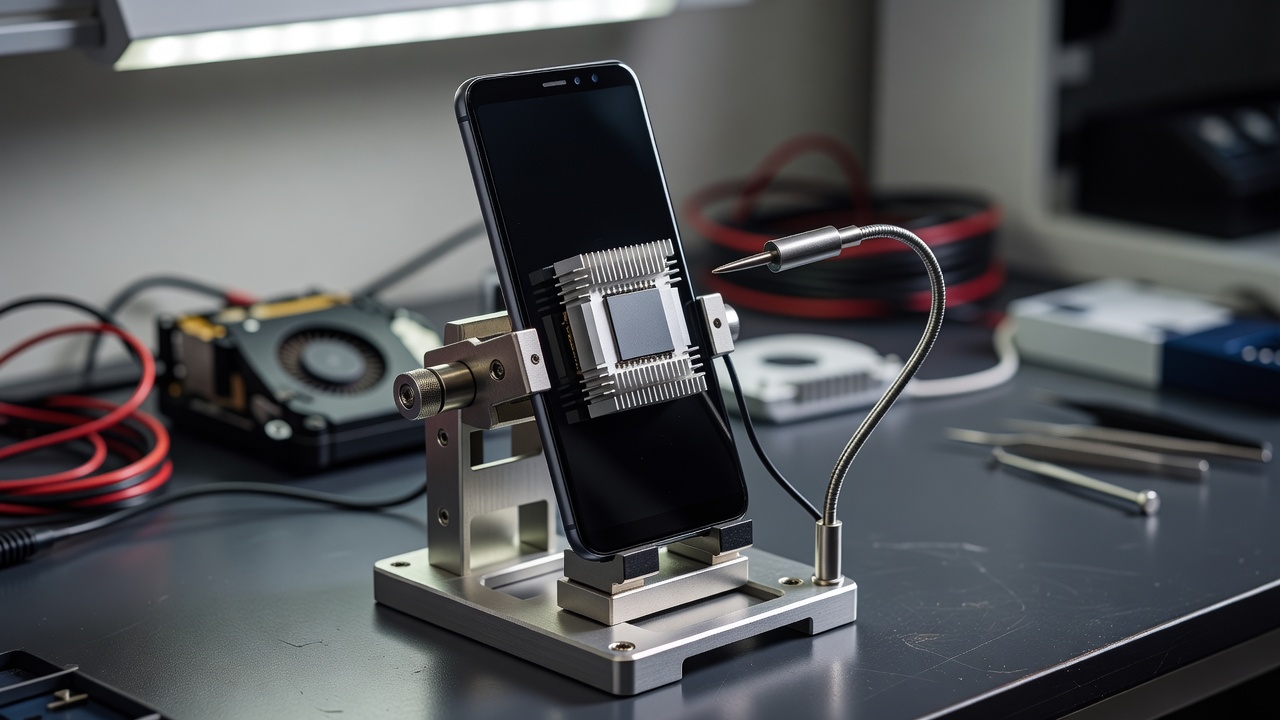
Doubling frame output from 60fps to 120fps forces both the GPU and memory controller to work twice as fast per second. Because mobile SoCs hit their efficiency sweet spot between 40% and 65% peak frequency, locking a game at 60Hz keeps surface skin temperatures near 37°C rather than crossing the 42°C thermal ceiling where Android throttles clocks aggressively.
Pixel and stock Android 14+ builds include a built-in Optimization toggle inside Game Dashboard. Selecting "Battery Saver" or capping FPS at 60 overrides uncapped Unity game loops cleanly.
Inside Game Launcher → Game Booster → Labs, enable "Alternate game performance management" and cap refresh at 60Hz in Display → Motion Smoothness for long sessions.
Devices supporting USB Power Delivery PPS (including Galaxy S23/S24 series and ROG Phone models) can route wall power straight to the motherboard while gaming, bypassing battery heat.
OLED panels running above 70% manual brightness pull 1.5W to 2.2W on their own and warm the digitizer directly beneath your thumbs. Keep indoor brightness near 45%, switch to airplane mode with Wi-Fi off when playing offline ports so the 5G modem sleeps, and lower in-game shadow quality one notch before lowering texture resolution.
| Profile (Dead Cells / 3D Action) | 30-Min Chassis Peak | Avg. Wattage | Frame Pacing Stability |
|---|---|---|---|
| Uncapped 120Hz + 5G Active | 43.4°C | 6.4W | Throttles at minute 11 |
| 60Hz Cap + Airplane Mode | 36.8°C | 3.8W | Locked 60fps for 30+ min |
| 60Hz Cap + Bypass USB-C Power | 35.9°C | Wall-fed | Locked 60fps, zero cell wear |